QR menus for restaurants and cafés: the practical guide before you print
A QR menu is not a PDF behind a link. How to build a menu that opens fast and sells more, and the mistakes that send guests back to asking for the paper one.
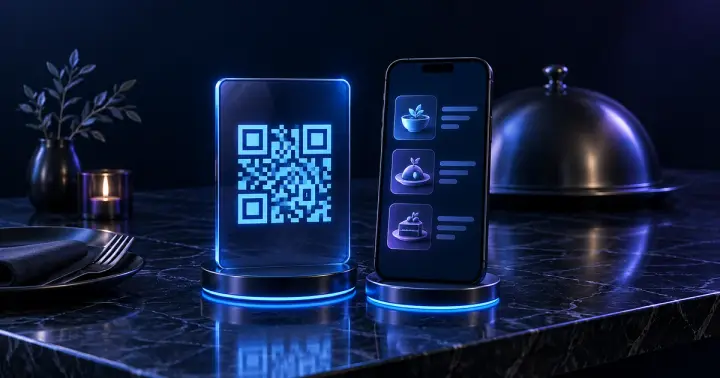
Since QR menus spread across Egypt, many places simply put a PDF or photos of the paper menu behind a link. The result: guests pinch and zoom, the images load slowly and old prices linger. A proper digital menu is designed for the phone from the start.
PDF or menu website?
- A PDF: quick to make, but heavy, awkward to read on a phone, and every change needs a new file.
- A menu website: categories, search and light images, with prices updated in a minute and no change to the printed QR code.
What the menu needs
- Clear sections such as breakfast, grills and drinks, with a button that jumps straight to each one.
- A real photo of every key dish, with its name and a short description of what is in it.
- Sizes and extras, each with its price.
- Helpful labels such as “spicy”, “vegetarian” or “most ordered”.
- Arabic and English if you serve foreign guests or tourists.
- A WhatsApp button, phone number, opening hours and the branch address.
Show the real total
If you add 14% value-added tax or a service charge to the bill, say so clearly at the top of the menu or beside the prices. A guest surprised by the total at the till rarely comes back.
The QR code itself: small details that matter
- Point the QR at a stable link on your own domain or subdomain, not a service that may shut down or start charging later.
- Print it at a comfortable size, around 3 cm or larger, on a light background, with a line such as “Scan to see the menu”.
- Test it with several phones and in the venue’s real lighting before printing in bulk.
- Put one on every table, at the counter and on the door or window.
WhatsApp ordering: one extra step that pays
If you take takeaway or delivery orders, a simple cart that gathers dishes, quantities and extras into one WhatsApp message saves your team time and reduces order mistakes. Confirmation and payment stay with your staff exactly as they are today.
Mistakes that send guests back to the paper menu
- Heavy images that crawl on mobile data.
- Sold-out dishes still showing.
- Tiny text or faint colours in dim restaurant lighting.
- A pop-up or an app download before the menu will open.
Quick questions
Do I need a new QR code when prices change?
No, as long as the QR opens the same link. Changes happen in the menu itself and the printed code stays the same.
Can each branch have its own menu?
Yes. Each branch can have its own prices, dishes and hours, and the guest picks the branch first.
Do guests need to install an app?
No. The menu opens straight in the browser from the phone’s camera.
Sources
Have a question this did not answer?
Send it over. We answer properly, whether or not you end up working with us.